OPTIMIK Group Editor 

Maximize Material Savings with Smart Part Grouping

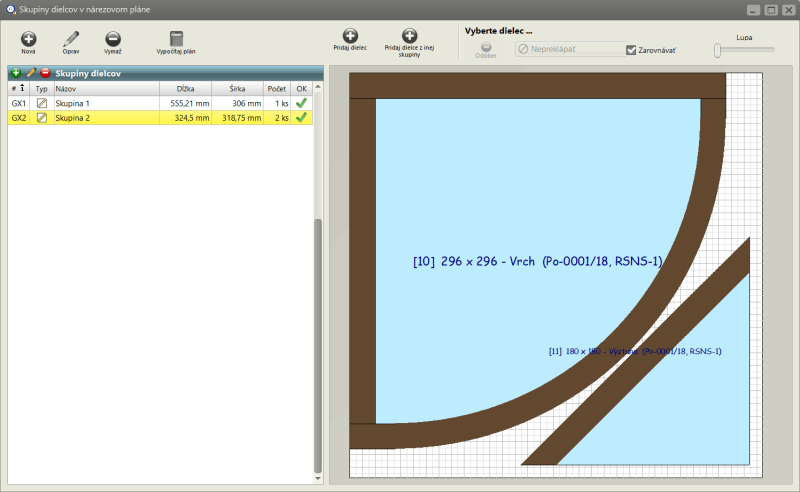
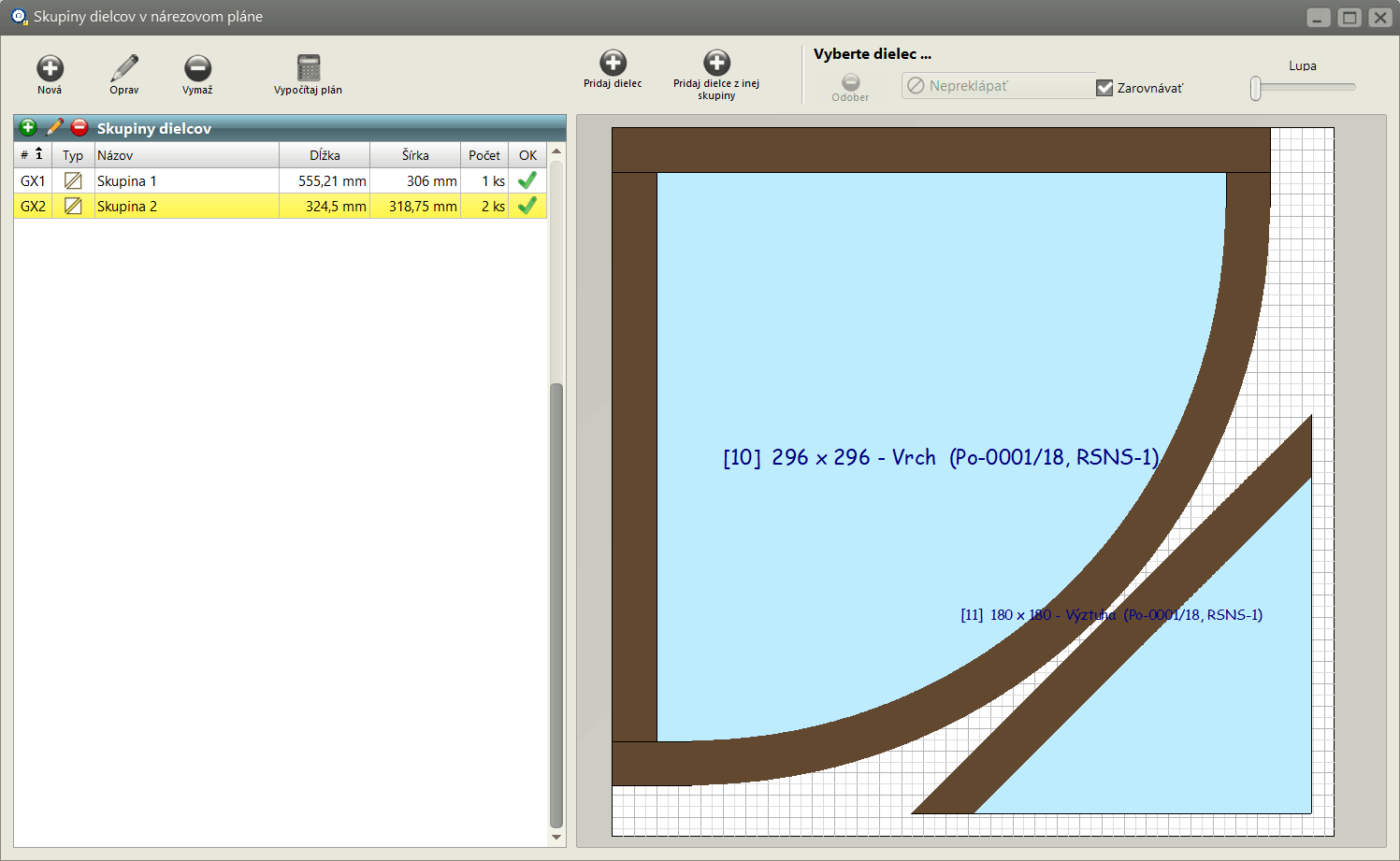
The Group Editor module allows you to combine multiple parts into a single grouped element within your cutting plan — helping you save material and simplify production. This is especially useful when working with non-rectangular parts or components that require consistent grain direction.

Why Use the Group Editor ?

Grain-Matching & Visual Consistency

Beyond material savings, the Group Editor also supports grain-coherent grouping — ideal for furniture elements like drawer fronts, cabinet doors, or decorative panels. You can manually group parts from multiple products (e.g. all upper cabinets in a kitchen set) to ensure visual alignment and consistent grain flow across the final assembly.

Key Features :

  • Combine shaped parts into a single layout block
  • Group components for grain direction consistency
  • Merge parts from multiple products into one visual unit
  • Improve layout efficiency and reduce offcuts
  • Ideal for furniture makers, cabinet designers, and custom fabricators

Practical Benefits :

  • Saves material by reducing unused space in cutting plans
  • Enhances visual quality of finished furniture
  • Simplifies downstream processing and labeling
  • Supports creative layout strategies for complex projects
⚠️ Note: This module cannot be ordered separately — it is automatically included in the OPTIMIK Workman/Professional edition only.
RK Software logo
Author of the program

© Rastislav Korytár, 1999-2026